Louder app icon

Louder

From a janky screen recording to a perfectly shareable video asset in a single step.

Just drag your file onto Louder to enhance loudness, crop silence, remove noise, and encode — all at once.

Download for Mac Get in touch

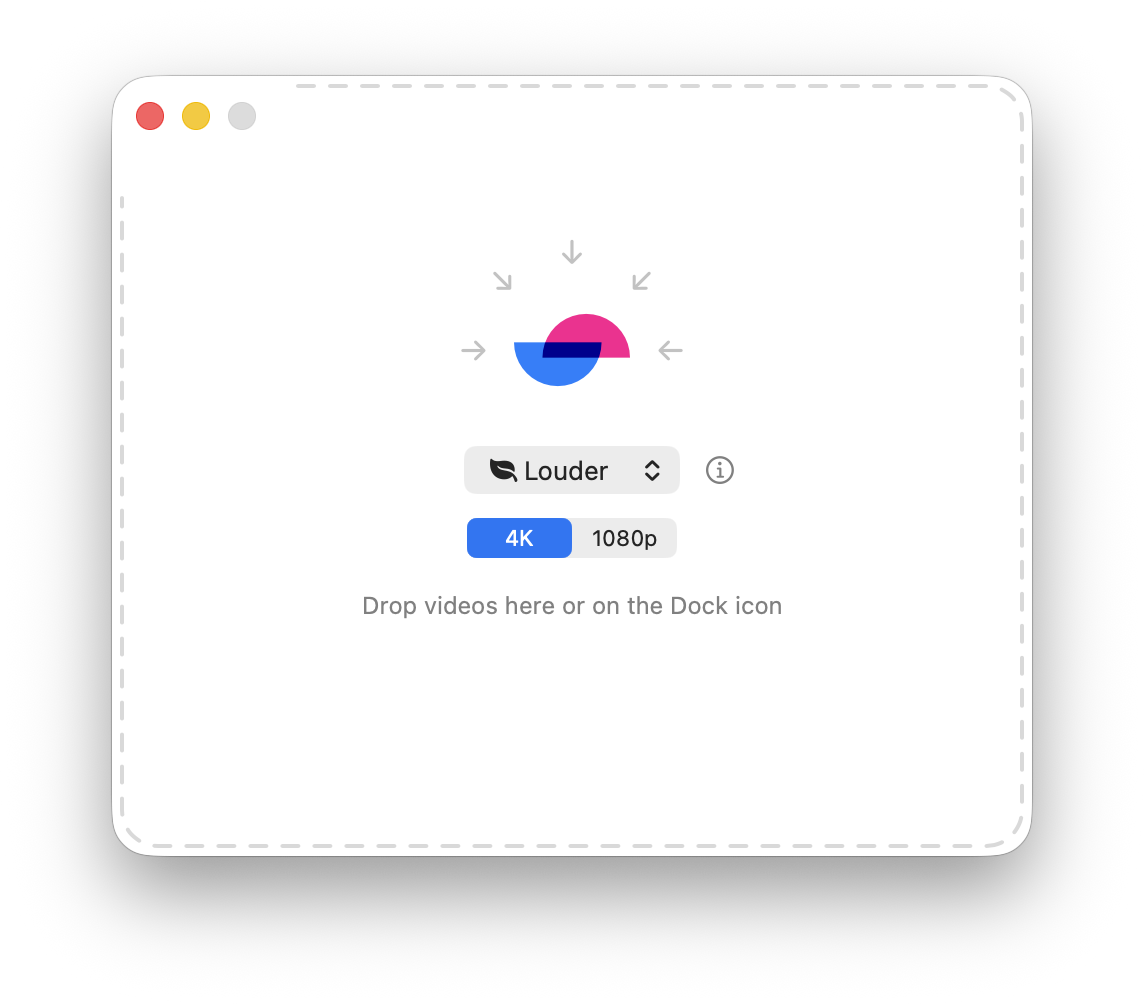
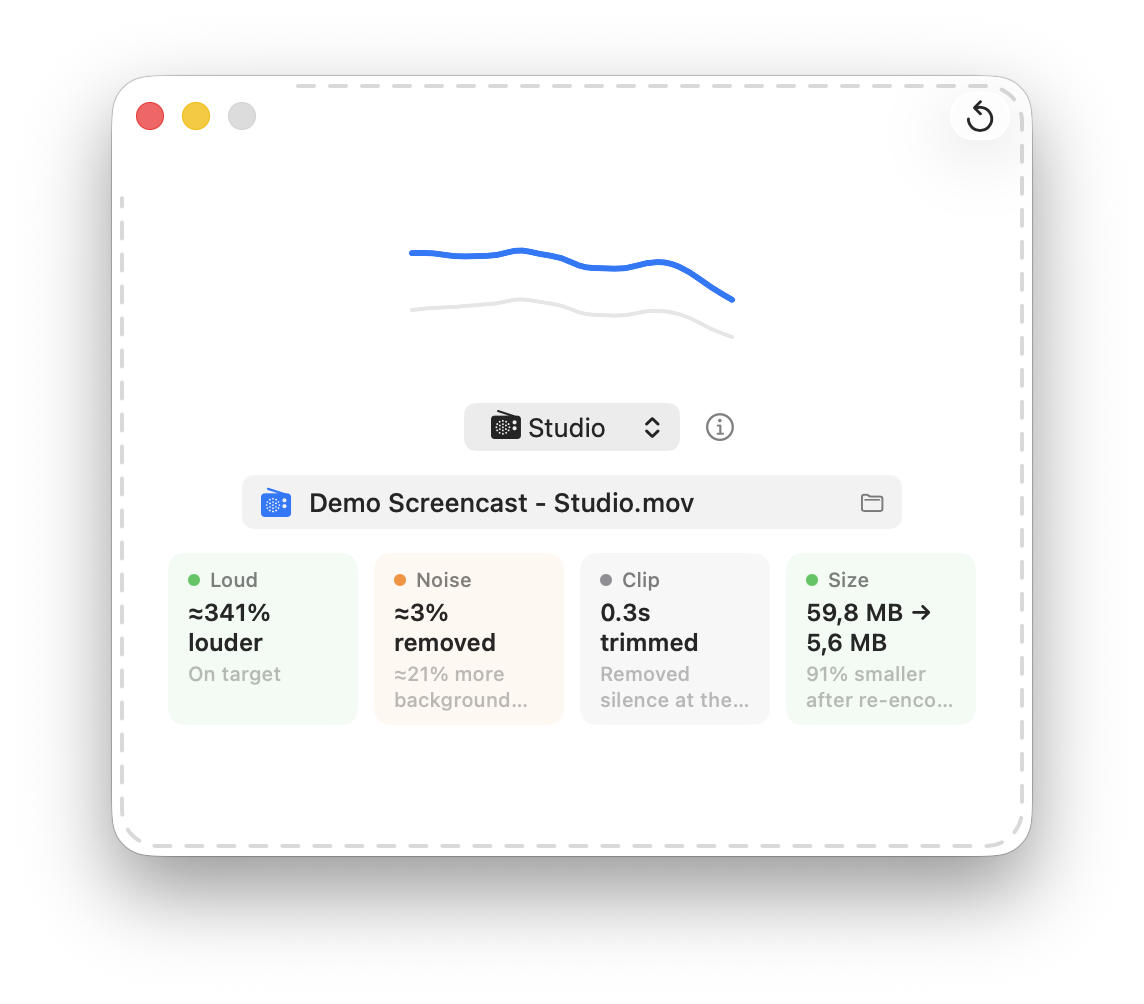
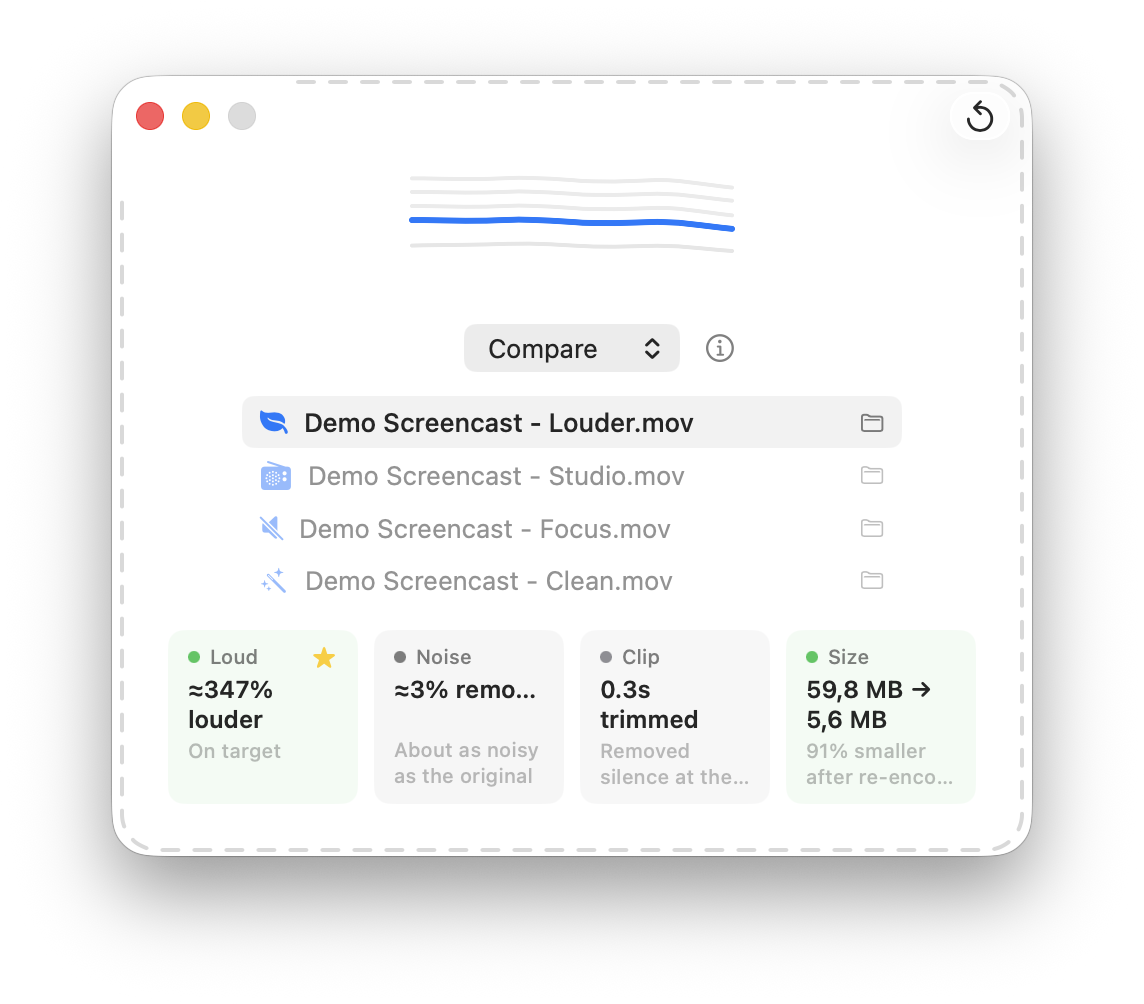
Louder — drop a file to begin Louder Studio — adjust the processing chain Louder Compare — original vs. processed, side by side
  • Just drop it

    Drag any video onto the window or the Dock icon and Louder takes it from there — no import dialogs, no settings to wade through. Your file is replaced with the enhanced version in a single step.

  • Built for EarPods

    Screencasts recorded on EarPods or a laptop mic come out thin, quiet, and easy to miss. Louder is tuned for exactly that voice — turning a janky take into something you'd actually share.

  • Compare before you commit

    Not sure which preset to trust? Compare mode renders them side by side so you can hear the difference for yourself before you pick the keeper.

  • See what changed

    A clear visual readout — loudness curves, integrated LUFS, and estimated SNR — shows exactly how much quieter the noise got and how much louder the voice came through.

Pick one once. Each cleans the voice a little differently, then brings it to a consistent −16 LUFS. Hover a step to see what it does.

Louder

The safe default — gentle cleanup, then a consistent level.

Studio

A warm broadcast tone — rumble cut, presence shaping, gentle compression.

Focus

Best for occasionally noisy rooms — a door, a dog, keyboard clatter.

Clean

The strongest cleanup — try it when the others leave too much noise.

Changelog

2026-07-01 · release

From a recording in one folder to a shareable file in another

1.2 (Build 6) adds a file-handling workflow that runs before enhancement. A new Files settings tab lets you point Louder at a target folder: on drop it moves (or copies) the recording there, then renames it to your convention — a body you choose plus an appended recording date (yyMMdd) — and only then processes it. Settings now split into Files and Processing tabs to hold it all.

Relocation became its own session-level step, kept separate from per-run processing, so switching presets and using Compare no longer break when renaming is on. Because these are irreplaceable recordings, the safety rules are now covered by unit tests: Copy never touches the source, Move and undo round-trip cleanly, "Rename original" backups always restore, and undo refuses to run if a required file is missing.

Commit 5ea33bf.

2026-06-28 · release

The first real download, and an app that explains itself

1.1 (Build 5) is the first published release — notarized, stapled, and attached to a GitHub release, not just a local install. Two things landed for it. When ffmpeg/ffprobe are missing, the drop zone is replaced by a guided setup card that hands you a ready brew install command, re-checks when you return to the app, and dismisses itself once the tools are there — no relaunch. And every build now stamps its own date: a BuildDate in the bundle and an About panel showing version · build · build date, so you always know exactly what you're running.

Commit 2c916ff.

2026-06-27 · reset

Reset replaces Undo

The toolbar Undo button became a mode-aware Reset. In Compare it confirms deleting every generated variant; in single-process it keeps the new louder file and asks whether to keep or delete the original, then drops back to the initial drop screen. Shipped as 1.1 (Build 4) — the first notarized release since Build 2, bundling everything accumulated since: the Clean AI preset, 4K/1080p output quality, and multi-channel mono downmix.

Commit 2a22ec9.

2026-06-23 · release

A Download path and a tighter README

Recorded Build 3 and added a Releases/Download section to the README. Build 3 was a stopgap local install: signed with a Developer ID and Gatekeeper-accepted, but not notarized — no notary credential was available on the machine — so the dist archive was kept for local use only, not distribution. The note flagged a 1.1 minor bump for the Clean preset, 4K/1080p, and downmix that had landed since Build 2.

Commits be45ff2, 231b2c4.

2026-06-22 · hardening

Make in-place rewriting safe to trust

A stability pass from an audit, since Louder overwrites your files where they live. Process launch is now cancel-safe — no terminate on an unlaunched Process. A failed batch rolls back fully, restoring every replaced original. And in-place replacement is atomic on the same volume. If any file fails, its original is left untouched.

Commit 53ca6e4.

2026-06-22 · audio

The voice-cleanup pipeline

Added selectable local audio cleanup: DeepFilterNet denoise, gentle FFmpeg denoising, and a GTCRN noise-suppression stage — alongside an unchanged loudness-only mode. Pinned Apple Silicon and Intel DeepFilterNet executables plus the DeepFilterNet3 ONNX model are bundled, so every preset runs entirely on-device.

Decided for

  • Bundling pinned local models — offline, private, recordings never uploaded
  • One persisted preset menu combining loudness target and denoising

Decided against

  • Any cloud or upload-based processing
  • Arbitrary audio parameters beyond a small set of presets

Commits 133ada5, 5088842.

2026-06-22 · identity

An idle window that says “drop here”

Gave the app its face: a foreground leaf mark and an animated idle-state GIF — arrows briefly sweeping inward toward the icon — with the README intro reworked to lead with it. Then a few passes to match the GIF's size, roundedness, and crop to the static screenshot so the two read as one.

Commits b879f93, 198b691, a1e5e11.

2026-06-21 · start

The project so far

First public snapshot, history pruned. Louder is a single-purpose macOS app: drag a video onto the Dock icon and it raises the voice to a consistent loudness target, backs up the original to <name> - original.<ext>, and replaces the file in place. It was born from an abandoned Shortcuts Quick Action — Apple's sandboxed siriactionsd daemon can never be granted access to OneDrive/CloudStorage files, but a real app in the user session gets the permission prompt once and works forever.

Decided for

  • A real in-session app — gets OneDrive access once, keeps it
  • Click-to-play A/B comparison of measured loudness curves

Decided against

  • A Shortcuts Quick Action (sandboxed, can't reach the files)
  • An editor, timeline, or App Store distribution

Commit 573a290.

Thank you

Louder builds on the work of these projects — and the people behind them: FFmpeg, DeepFilterNet, GTCRN, EBU R128, Inconsolata, Lucide, Swift & SwiftUI.